Testing
MCPConnect servers can be tested using different approaches, depending on your needs.
Testing with MCPJam Inspector
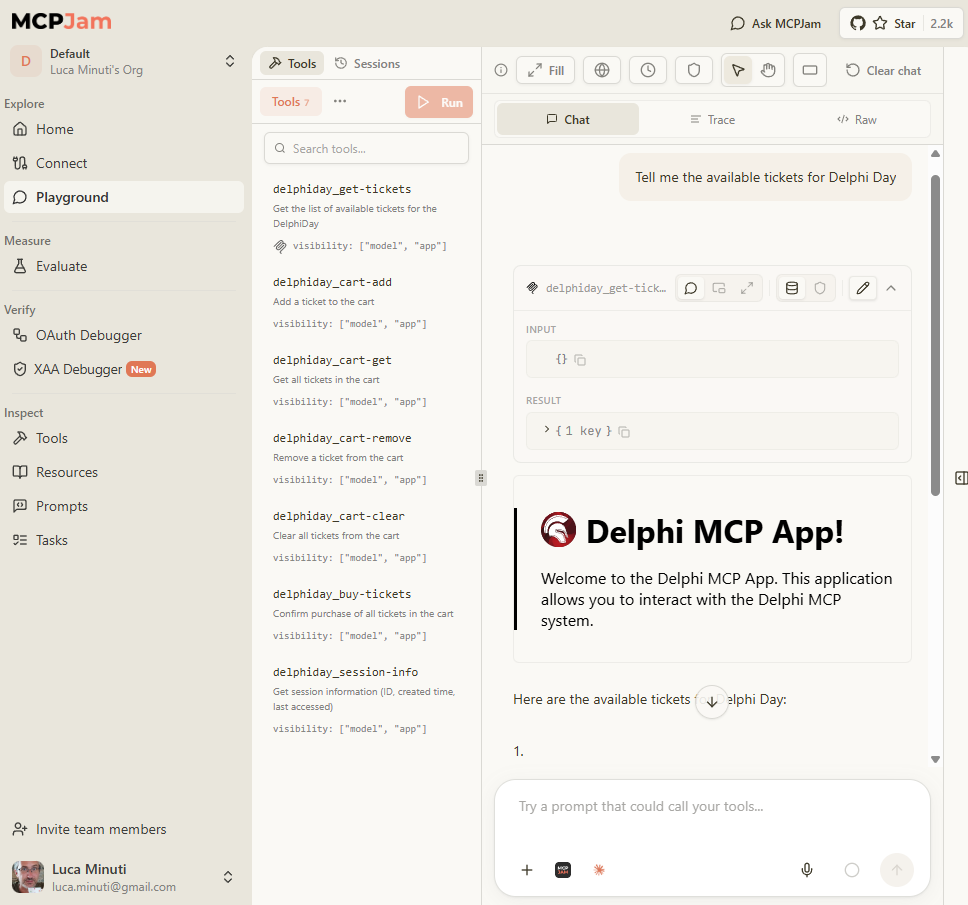
For a more specialized experience, use MCPJam Inspector — a tool specifically designed for testing and debugging MCP servers. It provides a web-based interface to explore your server's capabilities and test tools interactively.
Quick Start
bash
npx @mcpjam/inspector@latestThis command will:
- Download the latest version of MCPJam Inspector
- Start a local server
- Open a web interface where you can add and test your MCP server
From the web interface, add your Delphi MCP server by providing its endpoint URL (e.g., http://localhost:8080/mcp) and start testing your tools immediately.
MCP Inspector
The official MCP Inspector is another option for testing and debugging MCP servers. Launch it with:
bash
npx @modelcontextprotocol/inspector@latest